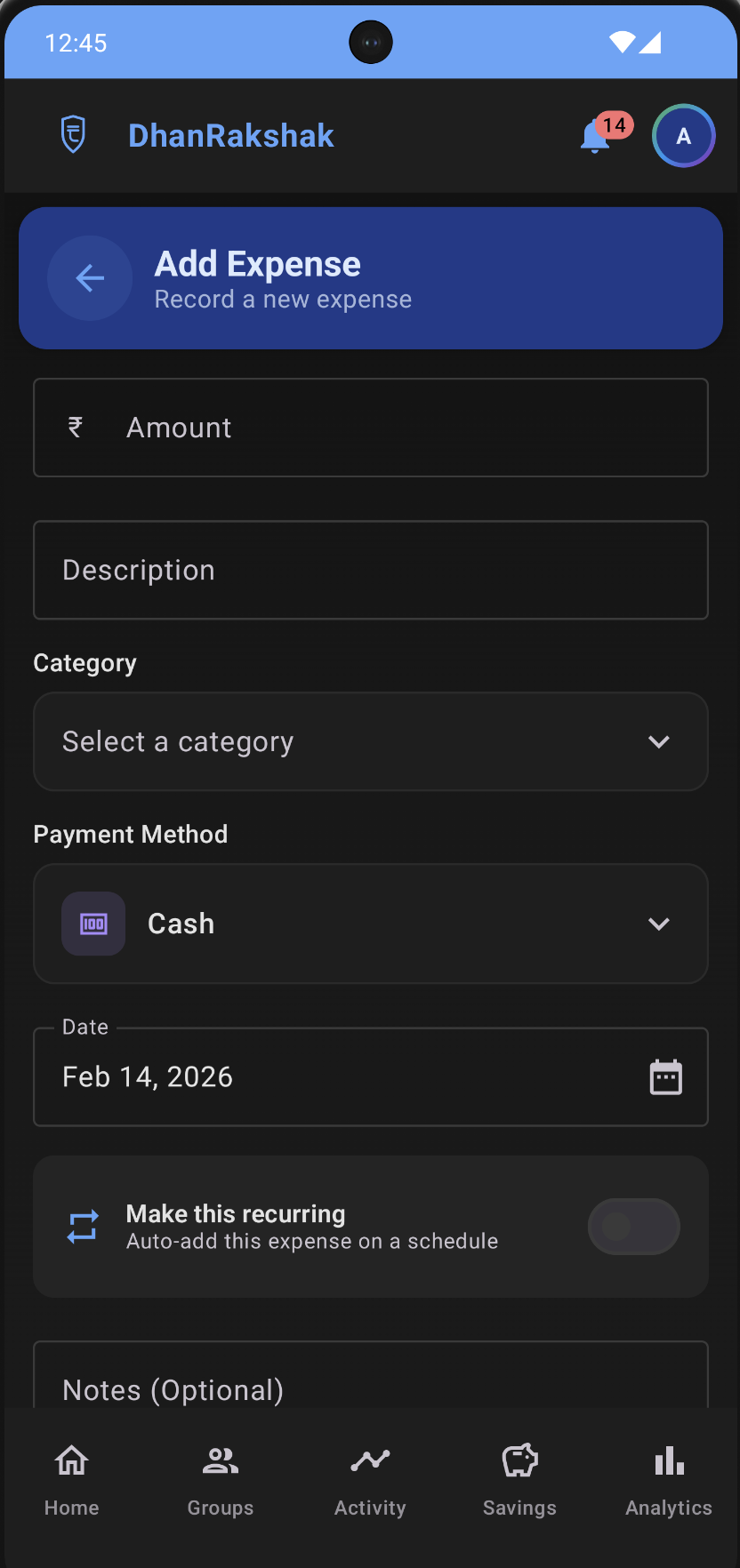
Smart Expense Tracking
Record and categorize expenses effortlessly. Add custom categories, attach notes, select payment modes, and track where your money goes — in any currency. Your data is stored locally and encrypted, ensuring complete privacy.
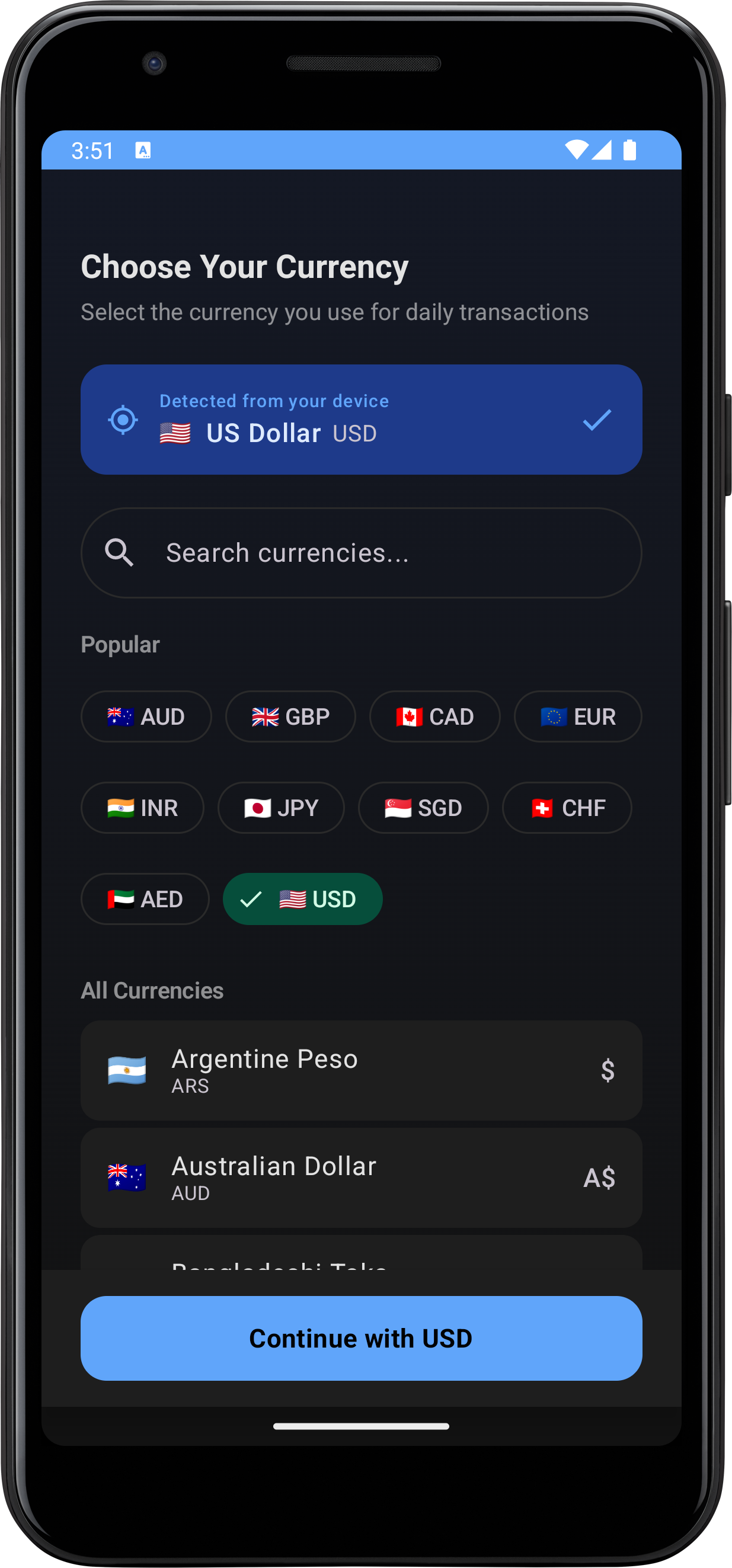
Multi-Currency Support
Choose from 45+ currencies worldwide. DhanRakshak auto-detects your locale and adapts formatting, symbols, and decimal conventions. Switch currencies anytime from Settings — all your screens, budgets, and notifications update instantly.
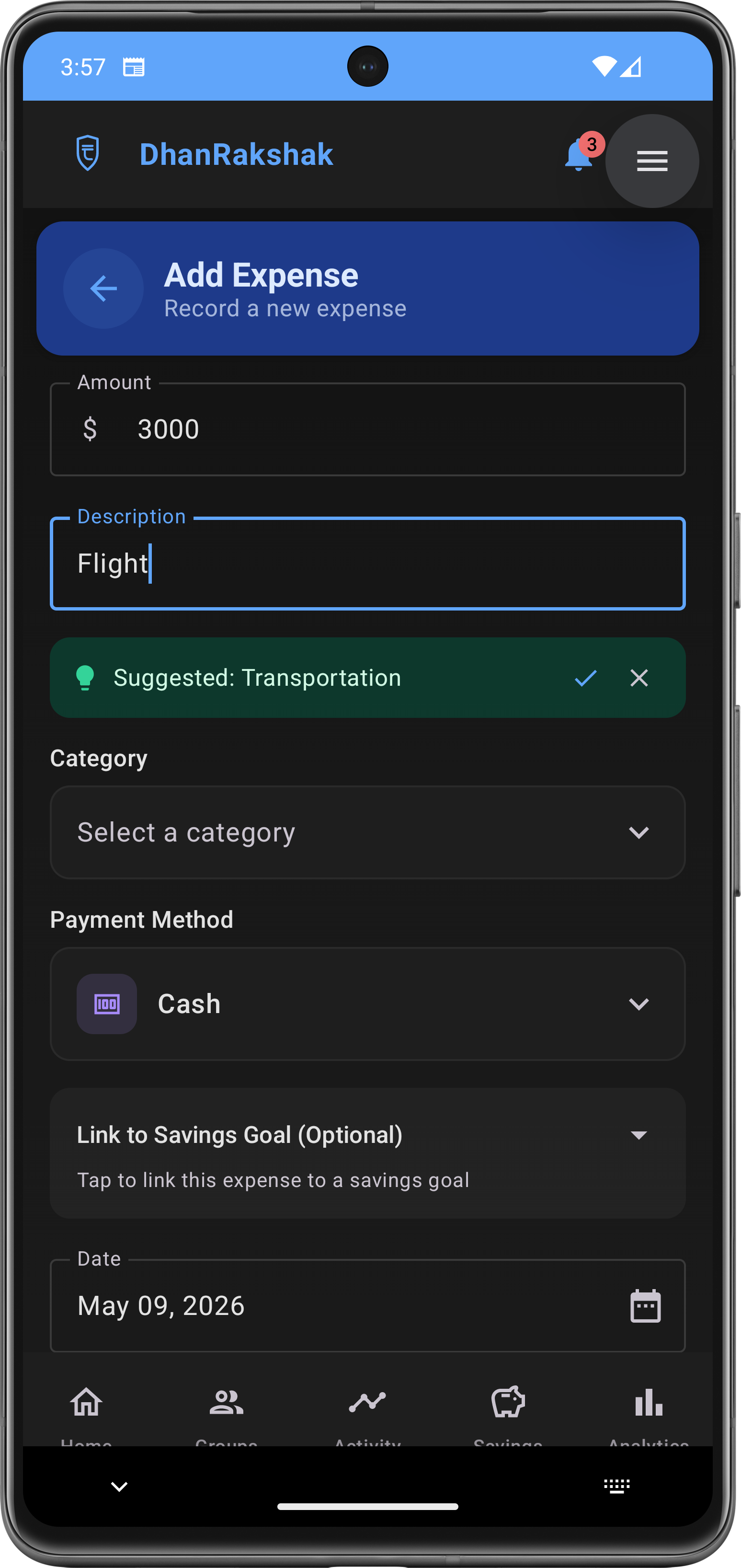
Smart Category Detection
Start typing an expense name and DhanRakshak intelligently suggests a category. Accept with one tap or dismiss to choose your own. Works across personal and group expenses with a shared intelligence engine.
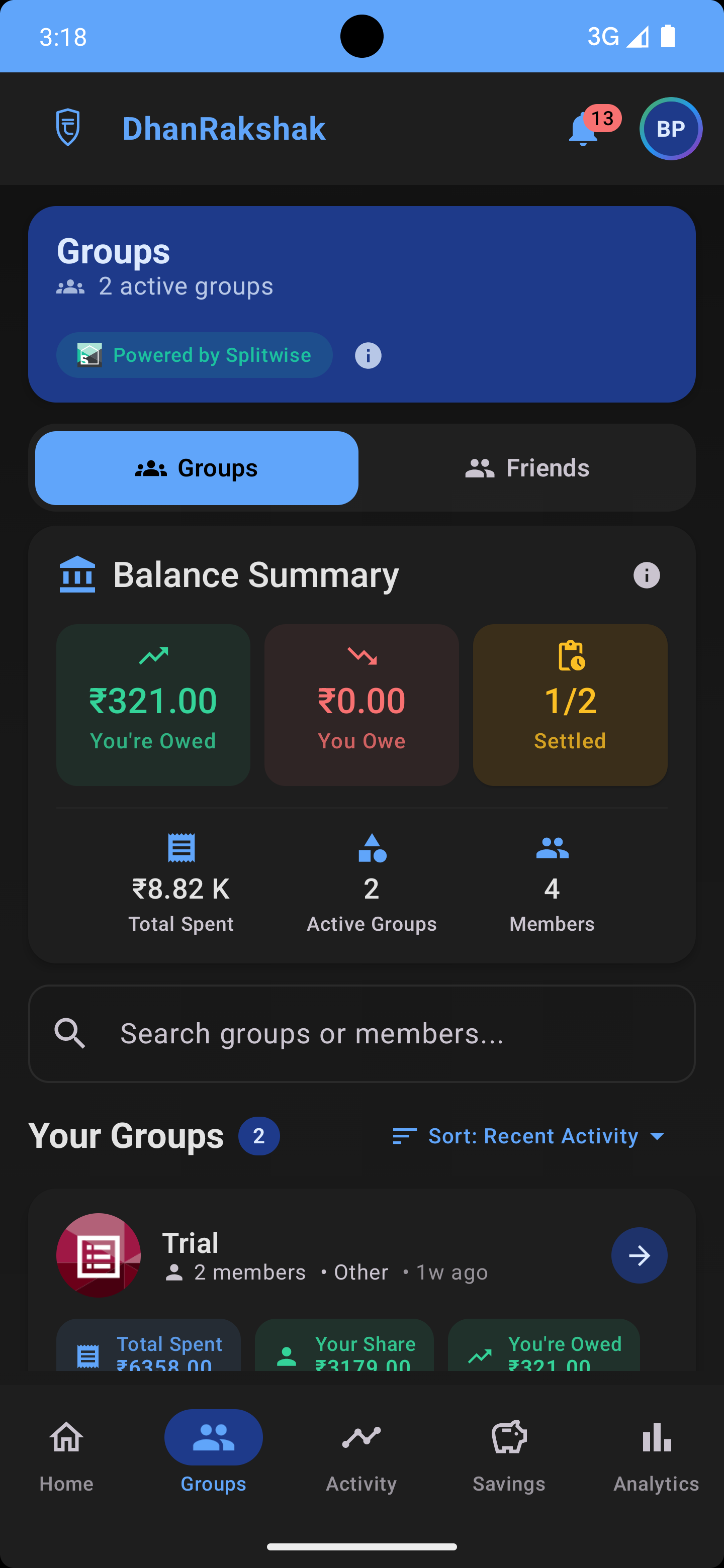
Groups & Splitwise Sync
View shared expenses with friends, roommates, or family. Seamlessly sync with your existing Splitwise groups to see all your expenses in one place. Track who owes what and view group analytics — all in read-only mode.
Recurring Expense Management
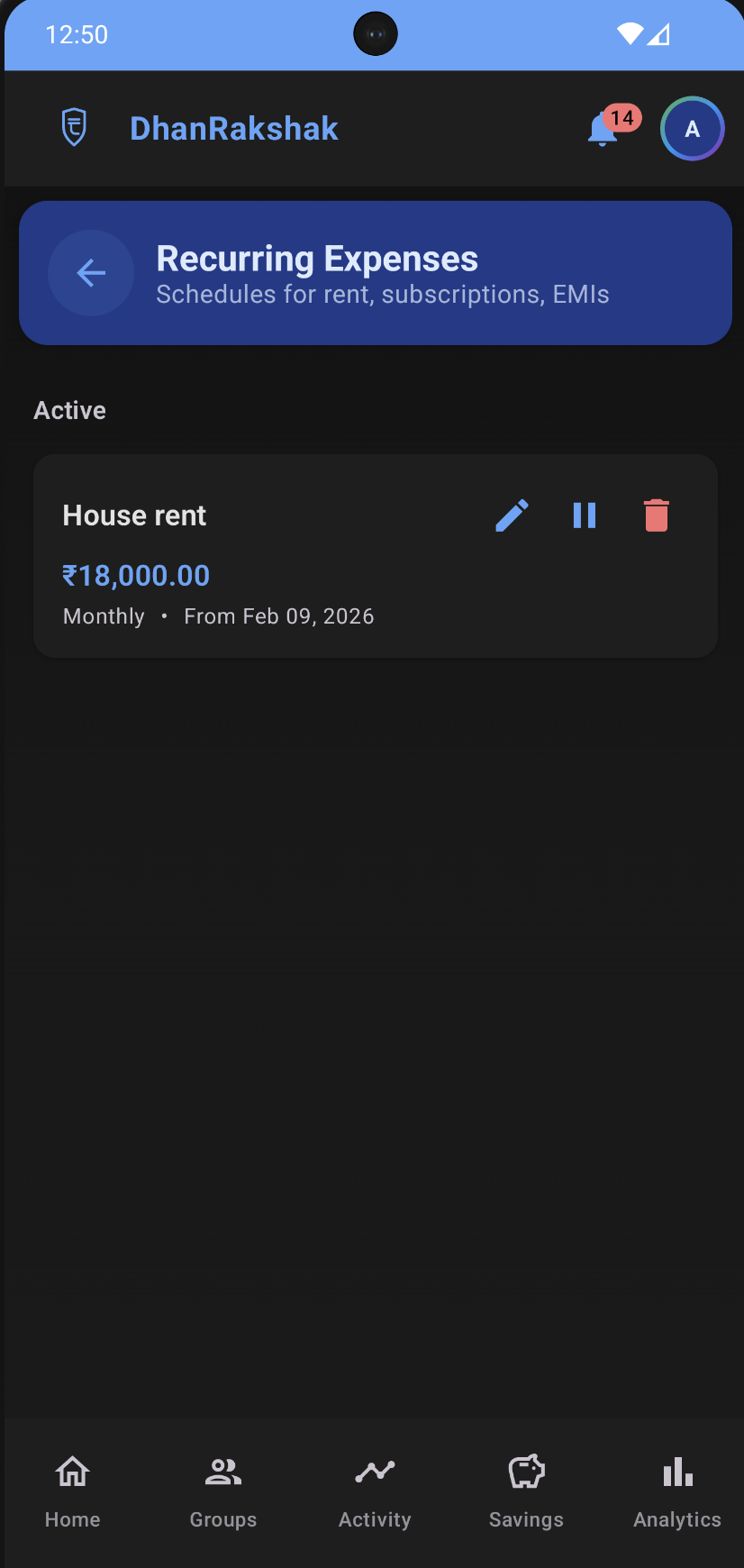
Never miss a subscription or bill payment again. Set up recurring rules for rent, subscriptions, and installments. Expense entries are generated automatically from your schedules.
Smart Analytics & Insights
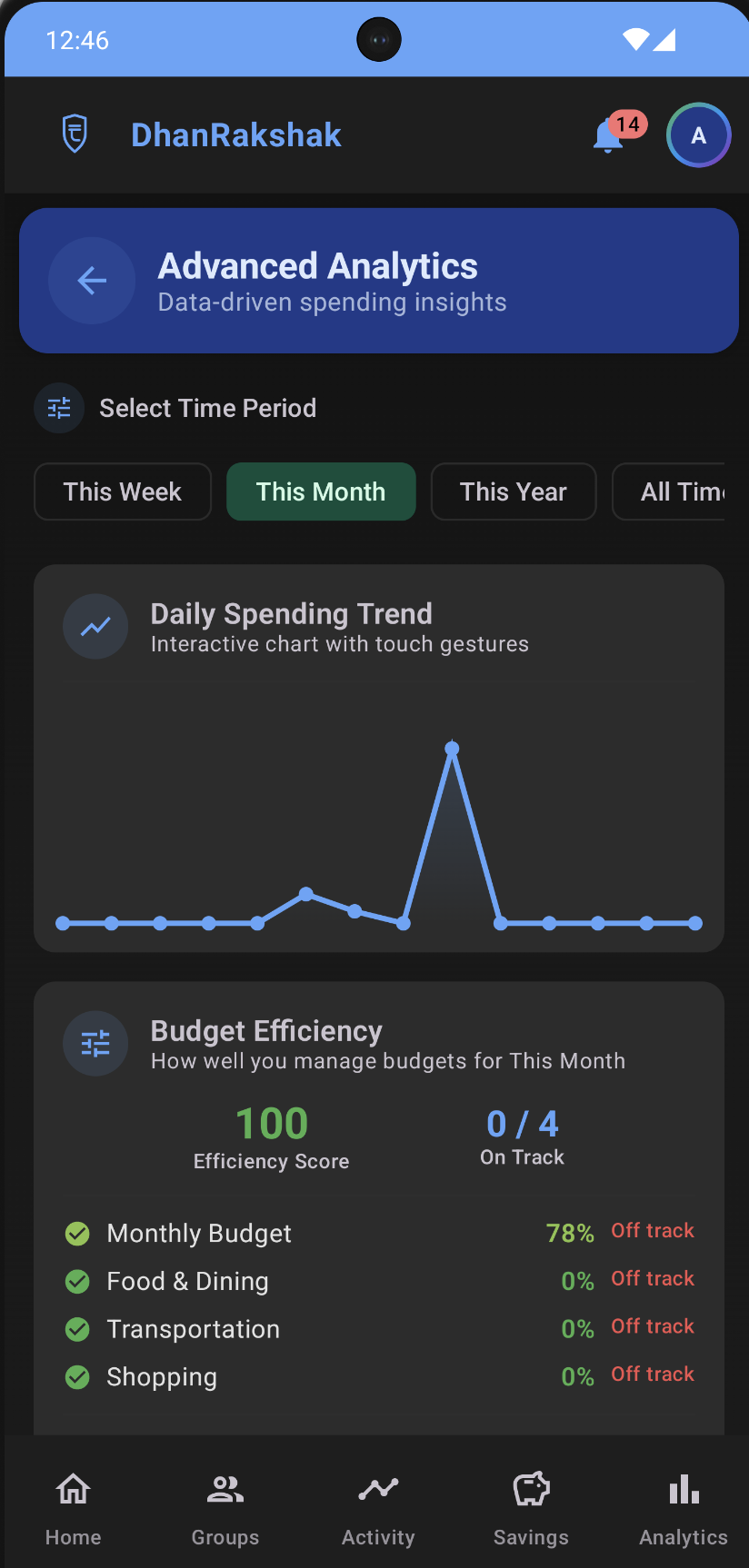
Understand your spending patterns with daily trends, budget efficiency scores, and category breakdowns. Interactive charts with touch gestures help you visualize where your money goes.
Savings Goals & Planning
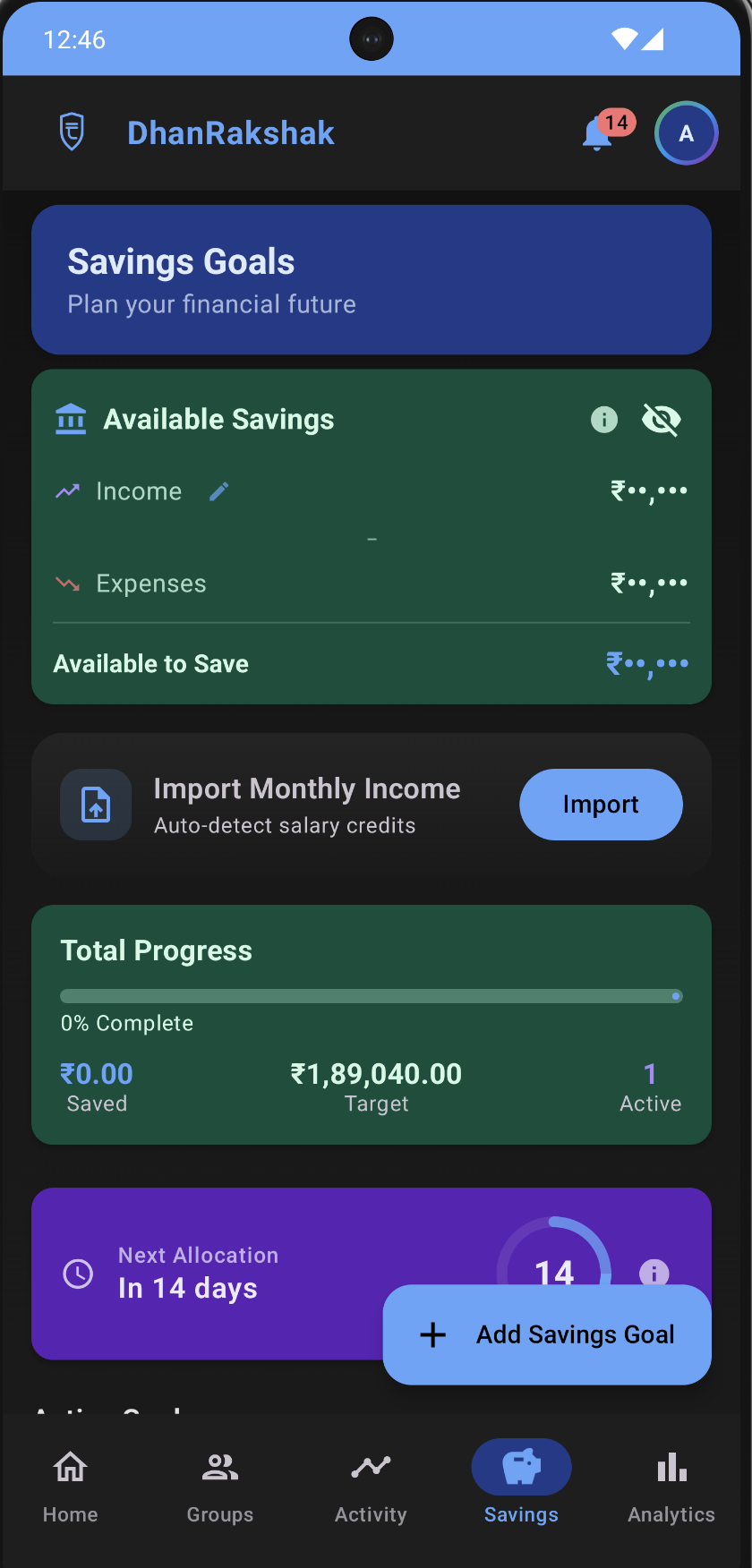
Set financial goals and track your progress. View available savings, import monthly income, and monitor total progress with visual indicators. Plan for emergencies, vacations, or big purchases.
Optional Cloud Sync & Backup
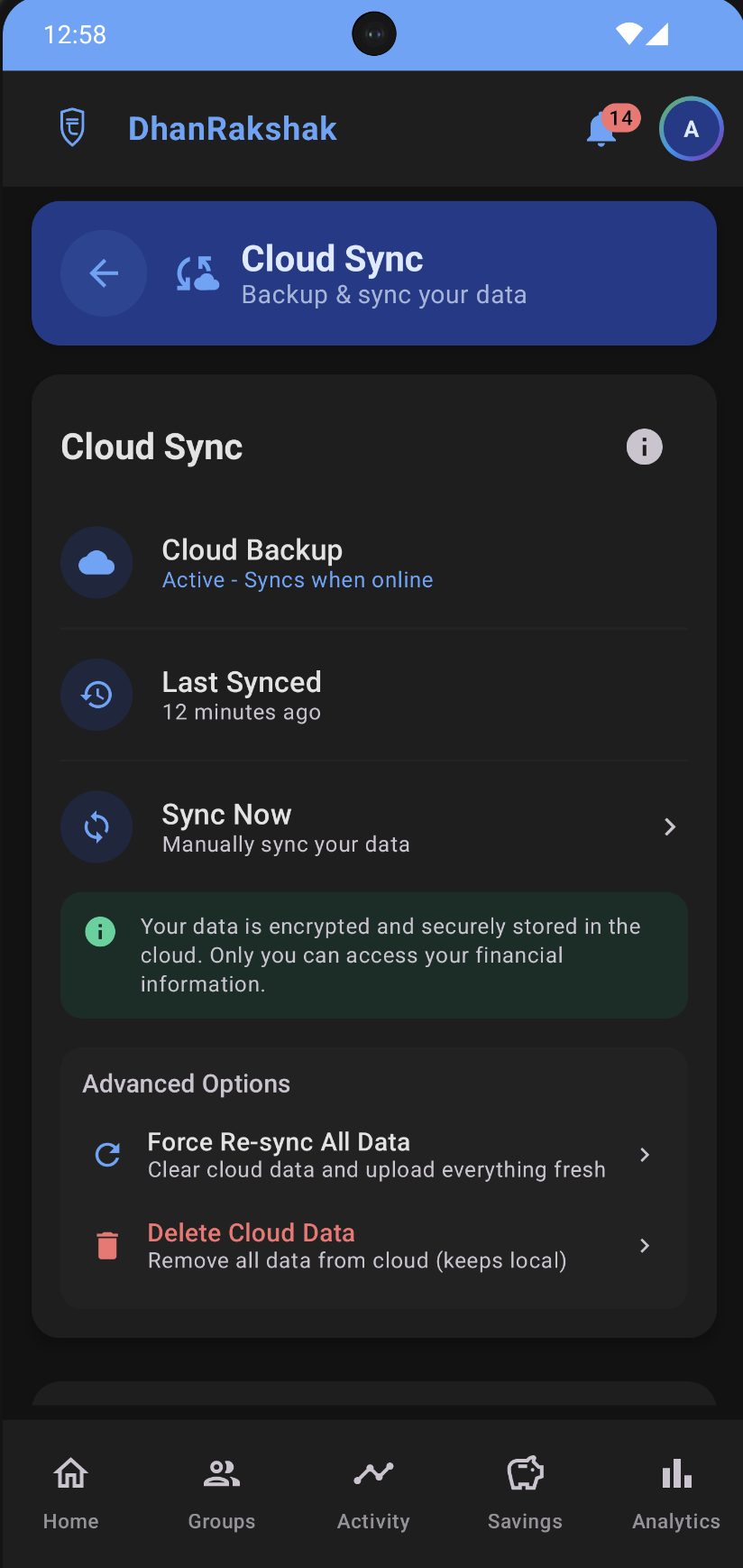
Your data lives on your device by default. When you're ready, enable secure cloud backup to sync personal data across devices. Splitwise data is not synced. Encrypted, you own it, and you can delete it anytime.
Budget Alerts & Controls
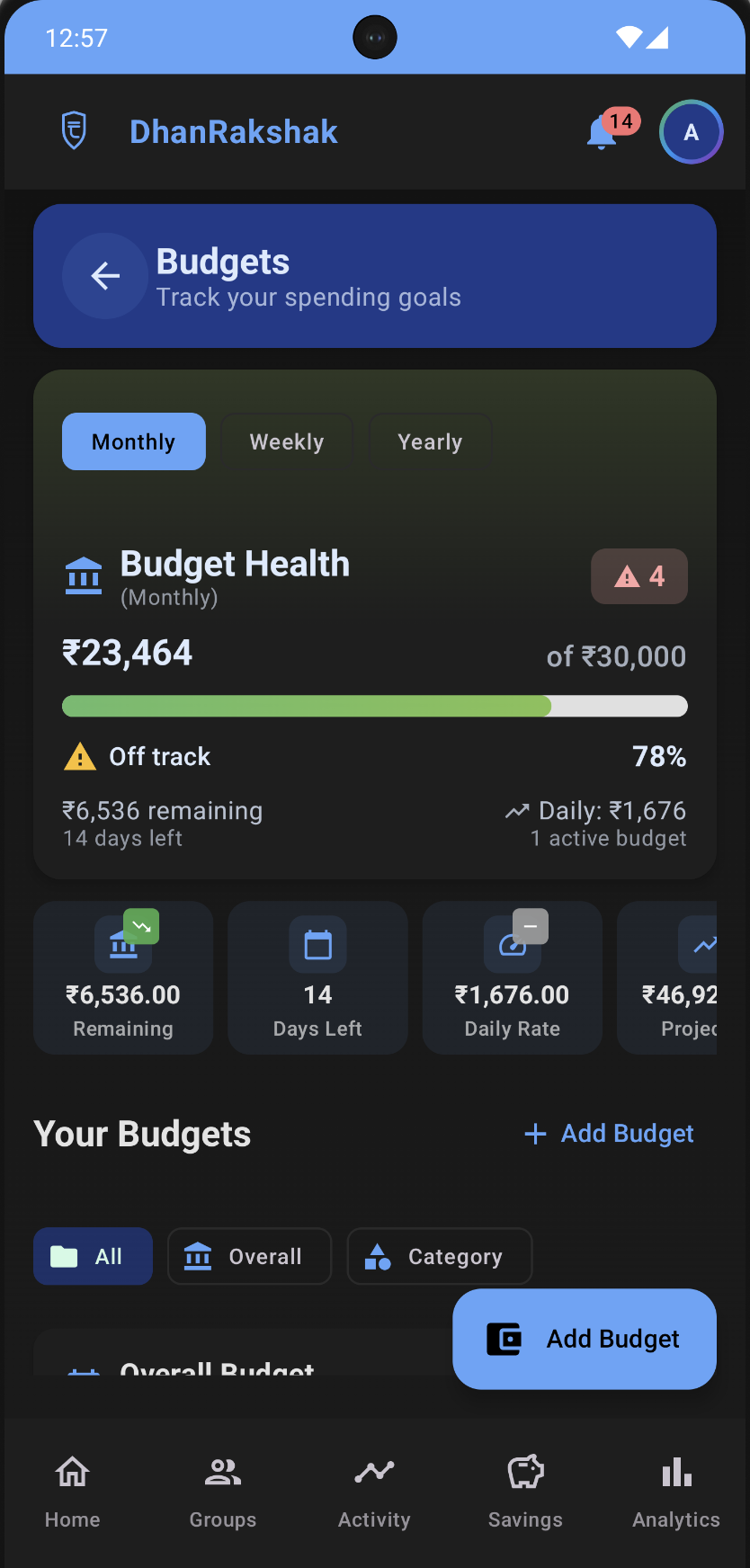
Set monthly budgets by category -- overall, food, travel, and more. Track budget health with remaining balance, daily rate, and days left. Get notified when you're approaching or exceeding limits.
Secure Bank Statement Import
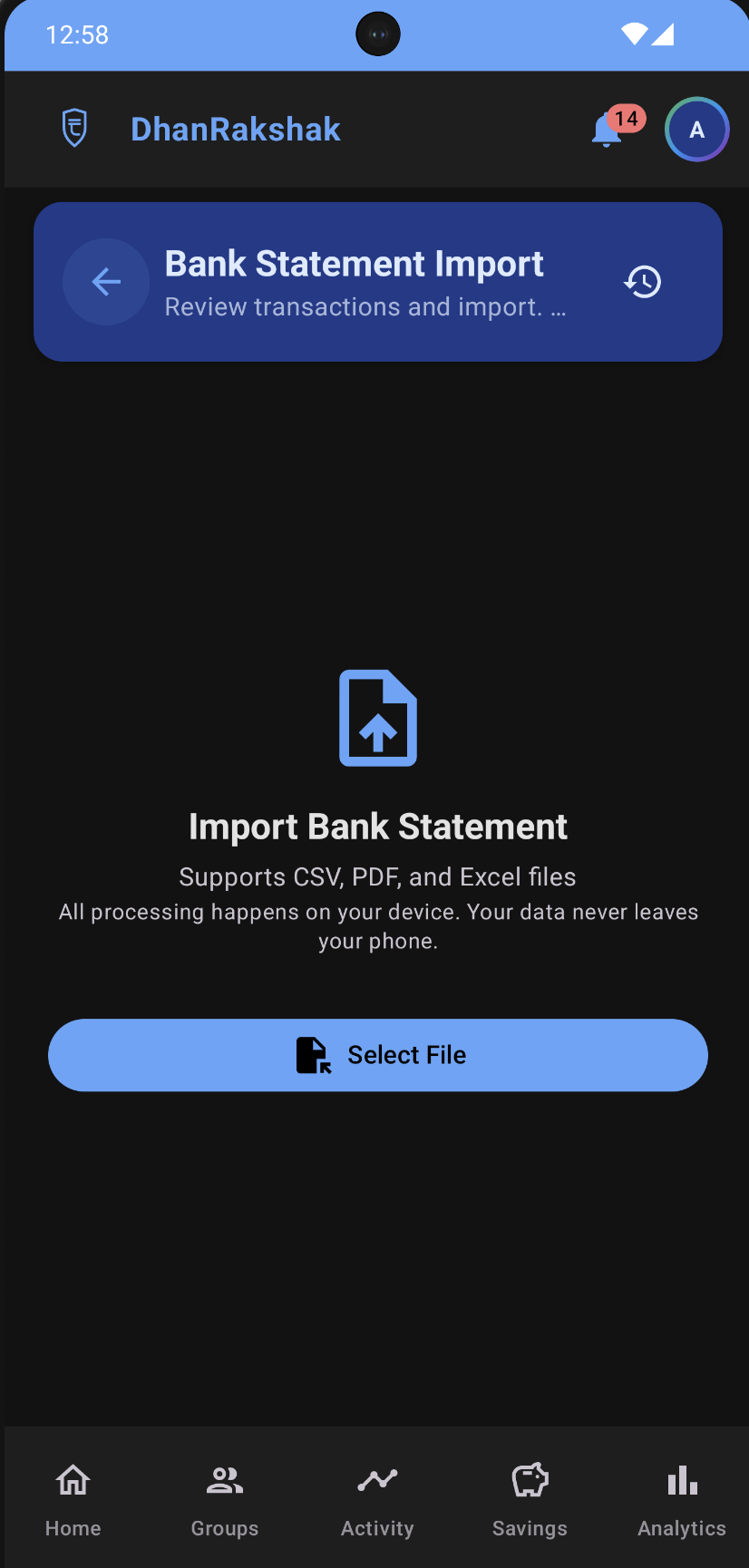
Import transactions from bank statements (PDF, CSV, Excel) to backfill your expense history in minutes. All processing is 100% on-device -- your statement file is never uploaded to any server.
Ready to Take Control of Your Finances?
Join the early access program and start your journey to financial clarity.